Artificial intelligence is no longer confined to tech labs and science fiction. It’s reshaping industries, delivering efficiency, accuracy, and transformative solutions to how work gets done. During a recent discussion with Endsight’s leadership team, Mike Chaput, Endsight’s CEO, shared insights into AI’s potential, backed by examples from Michelle Brezenski, leader of Endsight’s Dev team, and Stephen Hicks, Endsight’s Security Practice Manager.
The Tractor and the Transformation of Labor
Chaput likened AI’s impact to the introduction of tractors in farming—a technological shift that revolutionized agriculture. “Farmers could suddenly cultivate more land with greater efficiency,” he noted, though the transition displaced many farm laborers initially.
“The lesson for AI is clear,” Chaput emphasized. “While there may be concerns about job displacement, the long-term impact is one of opportunity. AI, like the tractor, enables us to reimagine work, focus on higher-value tasks, and achieve greater productivity.”
Understanding the S-Curve of AI
Chaput introduced the S-curve—a model for understanding technological growth. “AI is currently on the steep ascent of its S-curve,” he explained. “This is the phase of rapid innovation and adoption. However, like any technology, AI will eventually plateau.”
The plateau highlights the need for breakthroughs in areas like energy-efficient computing. “Organizations that engage with AI during this growth phase position themselves to benefit most as the technology matures,” he added.
AI Across Industries: A Glimpse at the Future
While healthcare provides a vivid example, Chaput emphasized that AI’s reach extends far beyond a single field. Here’s how AI might reshape other industries:
Law Firms
- AI can streamline legal research, saving countless hours by analyzing case law and statutes to find relevant precedents.
- Tools like AI-driven contract analysis can identify risks and suggest improvements, enhancing accuracy and reducing the time lawyers spend on document review.
“The ability to quickly synthesize vast amounts of information frees attorneys to focus on strategy and client advocacy,” Chaput said.
Wineries
- In agriculture, AI is being used to optimize crop yields by analyzing weather patterns, soil conditions, and pest risks.
- For wineries, AI can predict grape harvest timing, ensuring optimal flavor profiles.
- Marketing teams can also leverage AI to analyze consumer preferences and craft targeted campaigns.
“Imagine combining centuries of tradition with cutting-edge AI insights,” Chaput remarked. “The possibilities are endless.”
Architects, Engineers, and Construction
- AI can assist in generating preliminary architectural designs based on client input, speeding up the concept phase.
- In engineering, AI tools can predict structural stress points, reducing errors in planning.
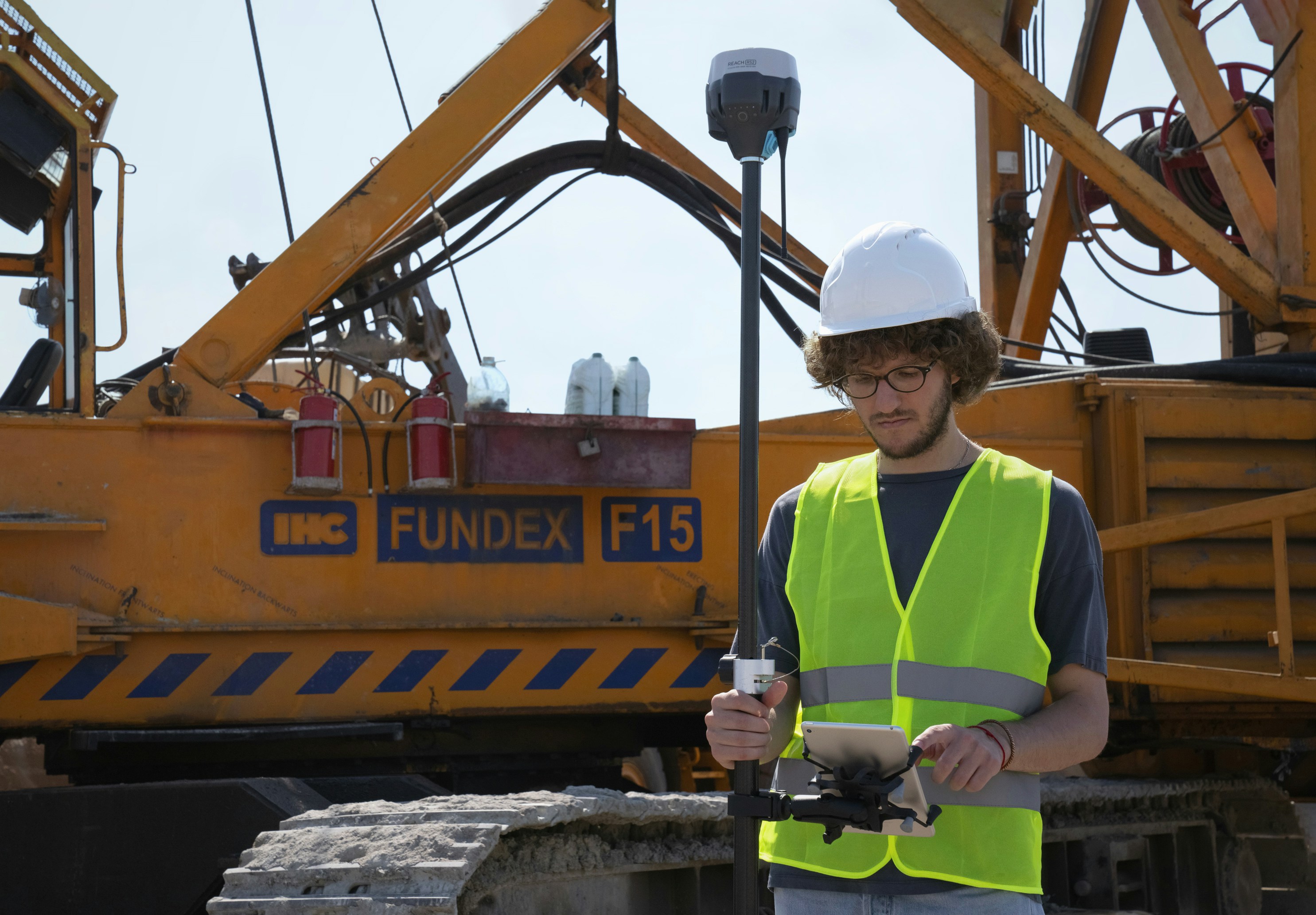
- Construction sites can use AI for scheduling, risk management, and real-time resource allocation.
“AI isn’t replacing creativity,” said Michelle Brezenski, leader of Endsight’s CoPilot practice. “It’s enhancing it by handling the tedious tasks so professionals can focus on innovation.”
Nonprofits
- AI can analyze donor data to predict giving patterns, enabling targeted fundraising efforts.
- Chatbots and AI-driven platforms can handle routine inquiries, freeing up staff for mission-critical work.
- AI tools can also help identify underserved areas for outreach, maximizing impact.
“Non-profits operate with tight resources,” Brezenski noted. “AI can be a force multiplier, allowing them to do more with less.”
Challenges on the AI Horizon: Power and Security
AI’s evolution isn’t without hurdles:
Power Consumption
- Modern AI systems require immense computational power, resulting in significant energy demands. “AI’s power consumption isn’t just a technical challenge—it’s an economic and strategic one,” Chaput said.
- AI’s current trajectory may hit a plateau unless breakthroughs in energy-efficient computing and chip architecture are achieved.
- For smaller organizations, energy costs could pose a barrier to adoption, reinforcing the importance of starting with small, manageable experiments.
Security Risks
- As AI systems grow, they become targets for cybercriminals. “AI can be used for good, but it’s also a powerful tool for attackers,” explained Stephen Hicks.
- Hicks outlined potential threats, including adversarial attacks that manipulate AI models and the risk of AI-driven cyberattacks at scale.
- Data privacy is another critical issue. “Organizations must protect the sensitive data AI relies on while ensuring compliance with regulatory frameworks like PCI, CMMC, and HIPAA,” Hicks added.
- Hicks concluded, “The key to AI security is building robust protections from the start and understanding that securing AI systems is an ongoing process.”
Next Steps for Your AI Journey
Whether you’re considering a custom AI project or a secure rollout of Microsoft Copilot, the best place to start is an AI Readiness Session. In just 45 minutes, we’ll review your environment, address security and permissions, and help map the right AI strategy for your organization.
.


 Industries
 Geographies
 Architecture
 Construction
 Law Firms
 Nonprofit
 Wineries
 IT Support Services
 Cyber Security Services
 Apps, Analytics & A.I.
 IT Help Desk
 IT Strategy
 Fin. Tech
 Microsoft 365
 IT Procurement
 IT Projects
 IT Administration
 Microsoft Teams Voice
 Managed Backup
 MSSP
MSSP
 Training
 Office Hours
 Security Shorts
 Artificial Intelligence
 Dashboards
 Workflows
 Integrations
 Custom Applications
 Core values
 Client testimonials
 Articles
 Helpful Resources
 Endsight team
 Awards
 Vendor partners
 Webinar Library


-1.svg)



.svg)