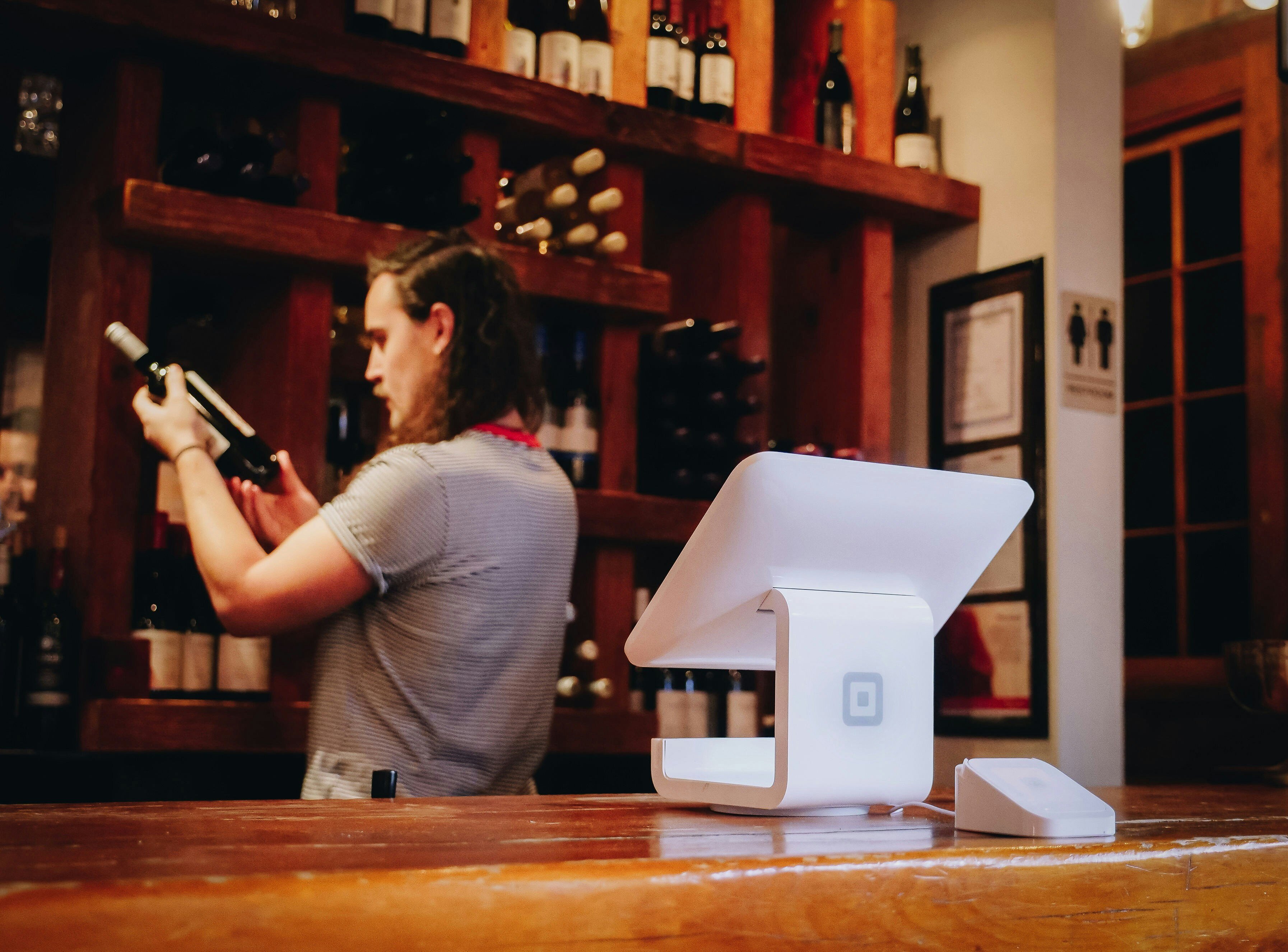
It's your busiest day. The tasting room is packed, your team is moving, wine is pouring, and guests are having a great time.
Then your winery point of sale system freezes.
Receipts stop printing. Card readers won't connect. Your staff switches to handwritten tickets and calculators while trying to stay upbeat. It works, for a little while, but lines grow, errors creep in, and some guests decide not to wait.
Revenue dips. Momentum slows.
Here's the part most wineries get wrong when this happens: they assume the fix is a new POS system. Usually it isn't. Most winery point of sale platforms on the market today are capable systems. What fails around them is everything else: the internet connection it depends on, the update schedule nobody owns, the staff training that never happened, and the backup plan that doesn't exist.
You don't need to replace your POS. You need to protect it. Here's how.
Why Winery Point of Sale Systems Fail During Peak Season
A POS crash on a packed Saturday rarely comes out of nowhere. It's usually one of five predictable failure points:
- Weak internet connection. Remote tasting rooms and vineyard properties often run on a single connection with no failover. No internet, no sales.
- Overloaded systems during high-volume moments. Harvest weekends and club pickup days can push more simultaneous transactions through your POS than a normal Tuesday, and undersized network or hardware setups buckle under it.
- Outdated software. A POS running months-old updates is running on borrowed time, especially with payment processing involved.
- Cyber threats. Small businesses, including wineries, are common targets. A single compromised device can take your whole POS environment offline.
- No backup plan. When something does go wrong, staff are left improvising in front of guests instead of executing a plan.
None of these require a new system to fix. They require the right infrastructure and the right plan around the system you already have.
The Uptime Checklist: Protecting the POS You Already Have
Connectivity resilience
Your POS is only as reliable as the network underneath it.
- Get a backup internet solution. A failover connection, whether a cellular hotspot or a secondary provider, keeps your POS online when your primary connection drops. This is the single highest-impact fix for wineries in rural or remote tasting room locations.
- Confirm your POS can run offline, briefly. Even with failover, a short gap in connectivity shouldn't stop a sale. Most modern systems support a brief offline mode; make sure yours is configured to use it.
Operational readiness
Even a perfectly maintained system has an off day. What separates a minor hiccup from a full meltdown is whether your team knows what to do next.
- Give staff a simple troubleshooting playbook. If the internet drops, switch to the hotspot. If the POS freezes, restart and switch to offline mode. If payments won't process, offer tap-to-pay or manual entry as a stopgap.
- Keep a manual order sheet on hand. Low-tech, but it keeps sales moving while a fix is underway.
- Have a spare card reader ready. Hardware fails independently of software; a backup reader means one bad device doesn't stop transactions.
- Know who to call. A direct line to IT support, not a general help queue, matters most on your busiest day. If your current IT support setup doesn't guarantee fast response during peak hours, that's worth fixing before harvest, not during it.
Automate Updates, Without Creating New Problems
Outdated software is a slow-motion outage waiting to happen, but updates need to be handled deliberately, not just switched to automatic and forgotten.
- Schedule updates for maintenance windows or off-peak hours, never the days you expect to be busy.
- Test updates before they touch your production POS where possible; patches can occasionally conflict with other connected systems (payment processors, inventory, wine club platforms).
- Keep a record of what's running, so if something breaks after an update, you know exactly what changed.
A managed backup strategy that captures your POS configuration and data means a bad update or a corrupted file doesn't turn into a lost day.
Secure the System You Already Have
Cyberattacks on small businesses are rising, and POS systems, which handle card data by design, are a common target. Protecting your existing system means:
- Strong passwords and two-factor authentication on every device that touches the POS
- Security software that actively blocks malware, not just antivirus running in the background
- Daily backups of transaction and configuration data
This is table-stakes protection, and it's also exactly where a managed cybersecurity partner earns their keep: monitoring the environment around your POS so a breach doesn't reach it in the first place.
Build Your Emergency Plan Before You Need It
The difference between a five-minute hiccup and a lost afternoon is almost never the technology. It's whether a plan already exists.
Before your next peak weekend, make sure you have:
- A manual order sheet ready to go
- A spare card reader on-site
- A support contact who can respond immediately, not eventually
Wineries that treat this as a pre-season checklist, not a post-crash scramble, are the ones whose tasting rooms stay open through the busiest day of the year.
FAQ: Winery Point of Sale Uptime
Why does my winery POS system crash during busy tasting room days? Most crashes come down to five causes: an unreliable internet connection, transaction volume the system wasn't configured to handle, outdated software, a cyber incident, or the absence of a backup plan. The POS software itself is rarely the actual point of failure.
Do I need to replace my POS system to fix reliability problems? Usually not. Most reliability issues come from the infrastructure and processes around the POS, not the software itself. Backup internet, staff training, update discipline, and security controls solve the majority of crashes without a platform switch.
What's the fastest fix for a winery POS system that just went down? Switch to your backup internet connection if available, restart the POS into offline mode, and fall back to a manual order sheet or spare card reader while the issue is resolved. Having these three things ready ahead of time is what makes the fix fast.
How can a winery prevent POS downtime during harvest season? Set up backup internet before harvest starts, confirm your POS supports offline transactions, train staff on a simple troubleshooting checklist, and schedule any software updates for off-peak windows well ahead of your busiest weekends.
Your POS Shouldn't Hold Your Winery Back
Your guests come for great wine and a seamless experience, not long waits and checkout frustration. Protecting the point-of-sale system you already have, rather than chasing a replacement, is usually the faster and cheaper path to a tasting room that stays open no matter how busy it gets.
If you want a second set of eyes on your setup before your next peak weekend, talk to our team about a pre-season IT readiness check.


 Industries
 Geographies
 Architecture
 Construction
 Law Firms
 Nonprofit
 Wineries
 Finance
 IT Support Services
 Cyber Security Services
 Apps, Analytics & A.I.
 IT Help Desk
 IT Strategy
 Fin. Tech
 Microsoft 365
 IT Procurement
 IT Projects
 IT Administration
 Microsoft Teams Voice
 Managed Backup
 MSSP
MSSP
 Training
 Office Hours
 Security Shorts
 Artificial Intelligence
 Dashboards
 Workflows
 Integrations
 Custom Applications
 Core values
 Client testimonials
 Articles
 Helpful Resources
 Endsight team
 Awards
 Vendor partners
 Webinar Library
.jpg)